Control local coding agents from anywhere — with live preview
Keep coding on the desktop you trust. From your phone or another laptop, steer Cursor agents, read diffs, and open your dev server in a browser tab—without cloning the repo or reinstalling dependencies on the road.
The problem
Your agent is stuck waiting
and you're away from the desk.
Missed signals on your phone don't cut it. Remote desktop is heavy. There wasn't a clean way to review and steer the run until you got back.
Until now.
You kick off a run
Start an agent task on your machine—then grab coffee, lunch, or air.
It stalls on you
Waiting on approval, follow-ups, or your eyes on the diff—while the clock runs.
See results
Open Agent, Diff, and Preview from your phone—read changes and hit localhost without cloning the repo.
Steer and continue
Answer from Mobile Relay; when you sit back down, the same thread is already on your desktop.
Everything you need on the go
From notifications to multi-repo workflows, Mobile Relay is built for serious agent work—not a toy remote.
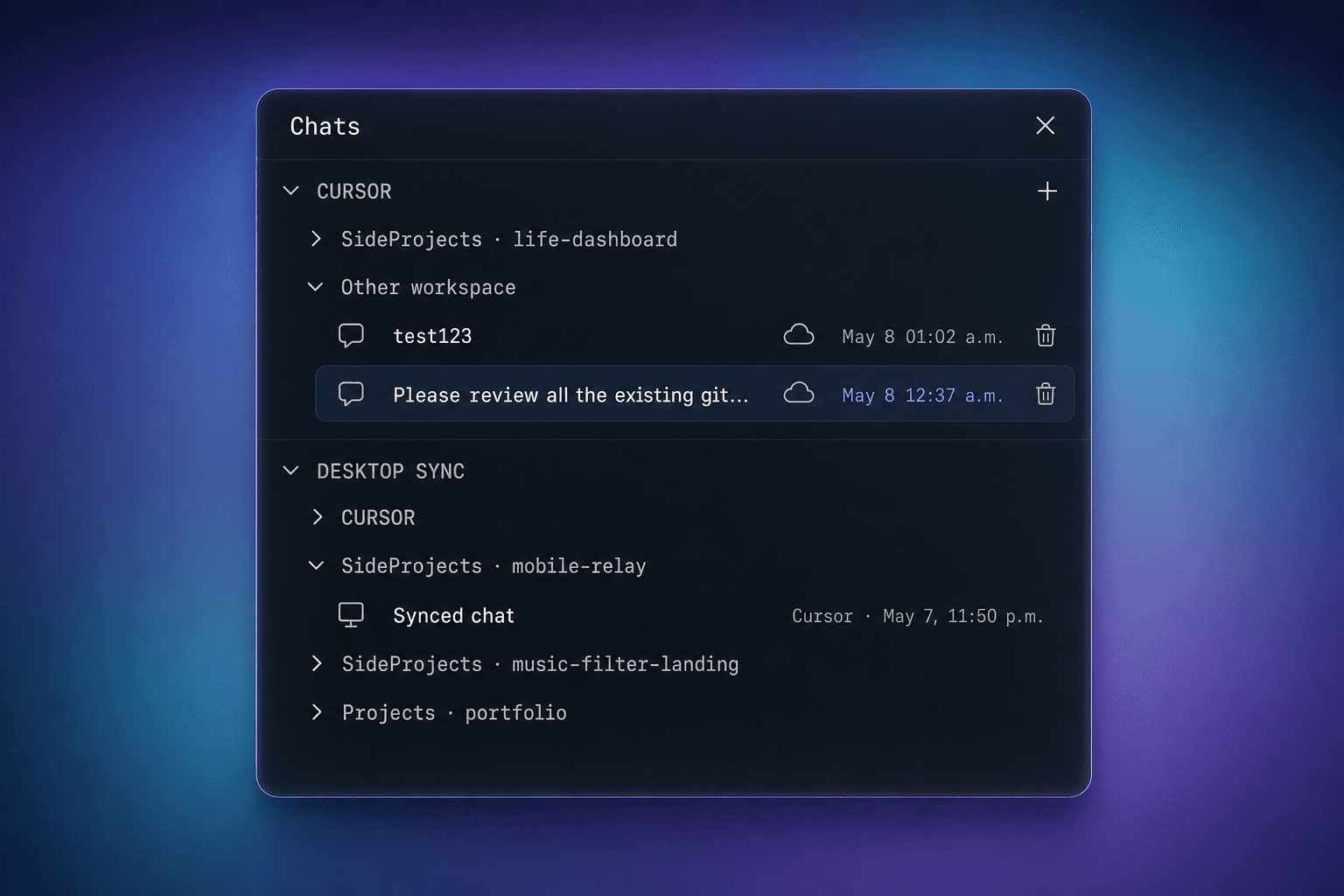
Multi-session & multi-repo
Run multiple sessions across multiple repos at once.
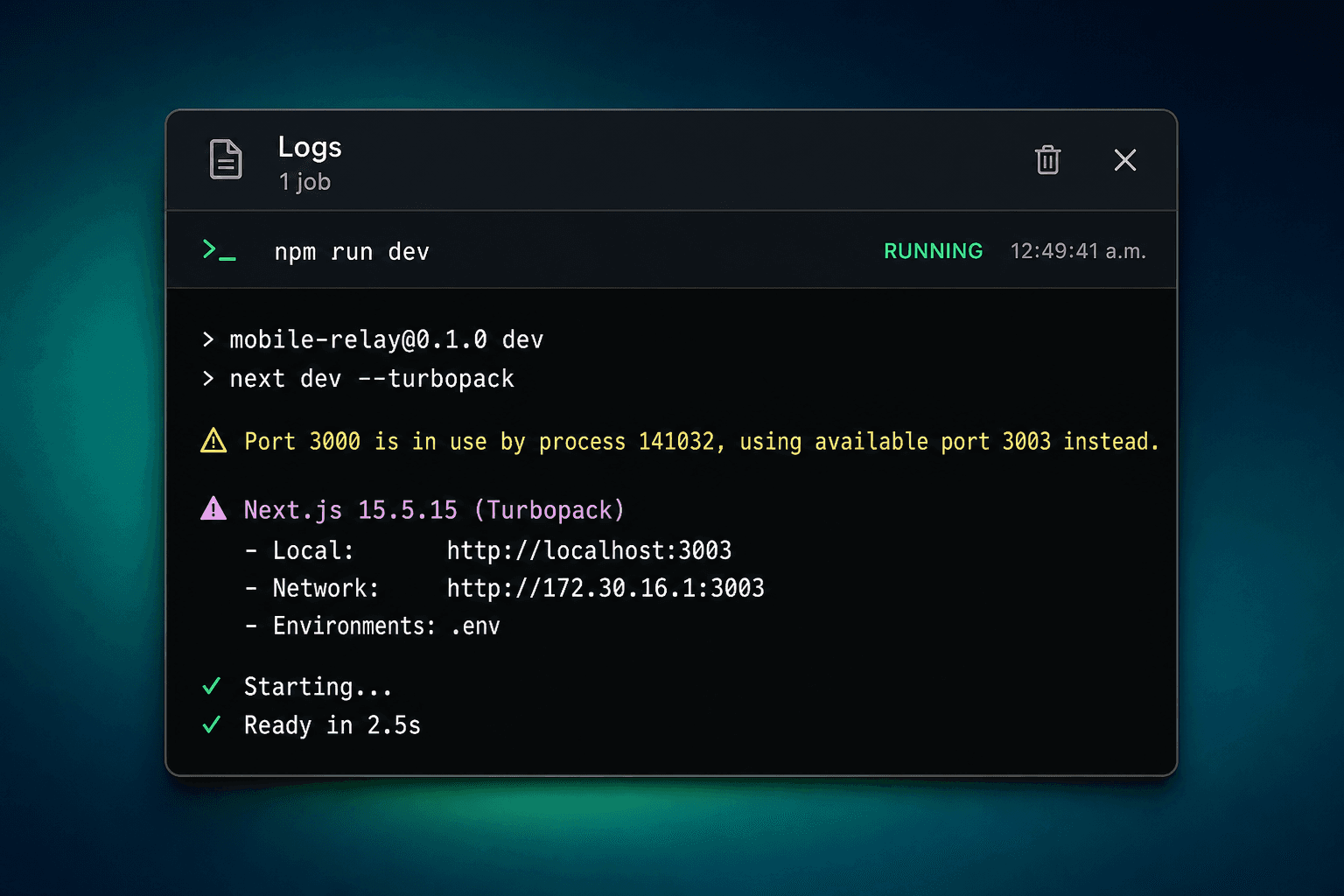
Live preview & project control
Preview live apps and start or stop projects remotely using real browser.
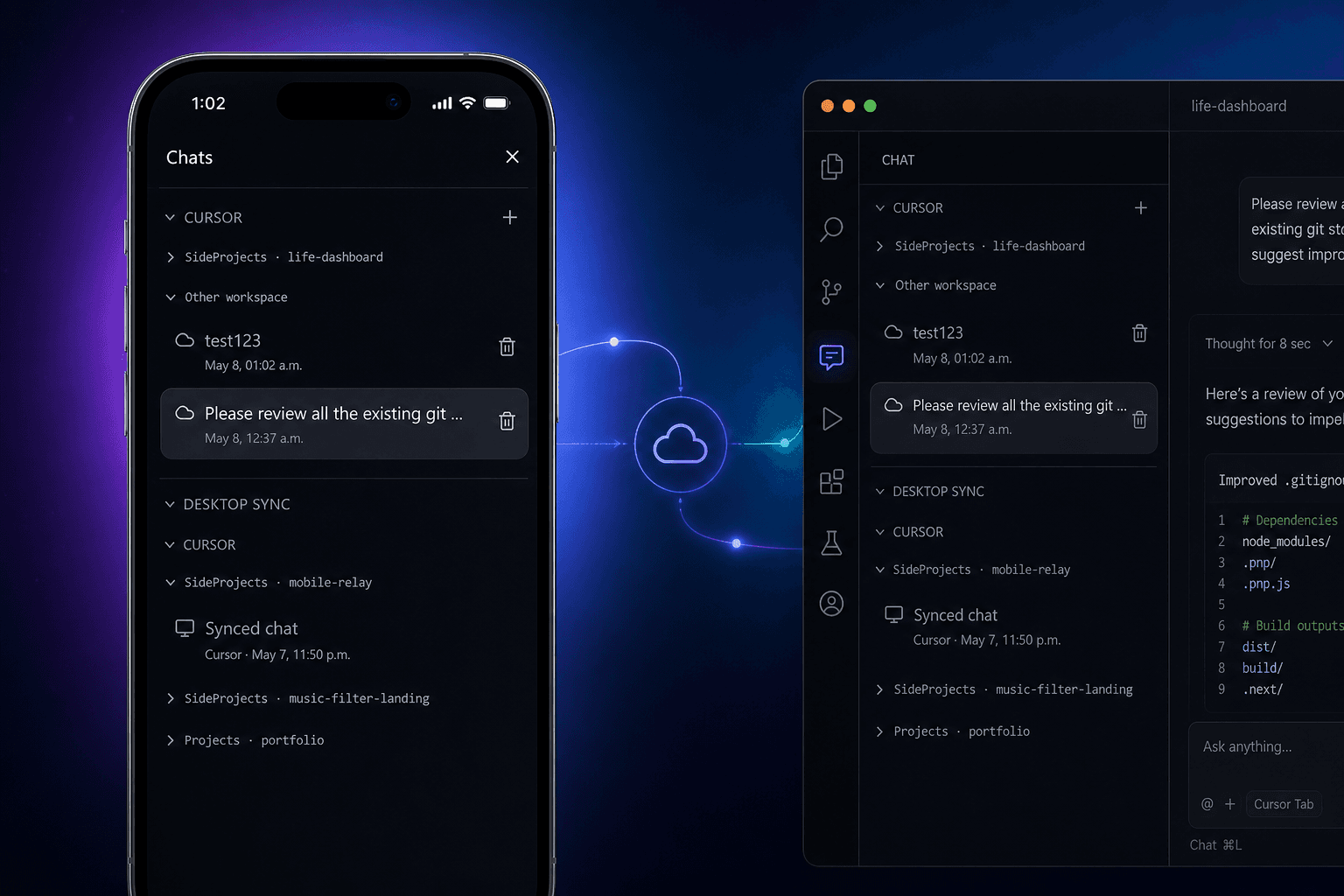
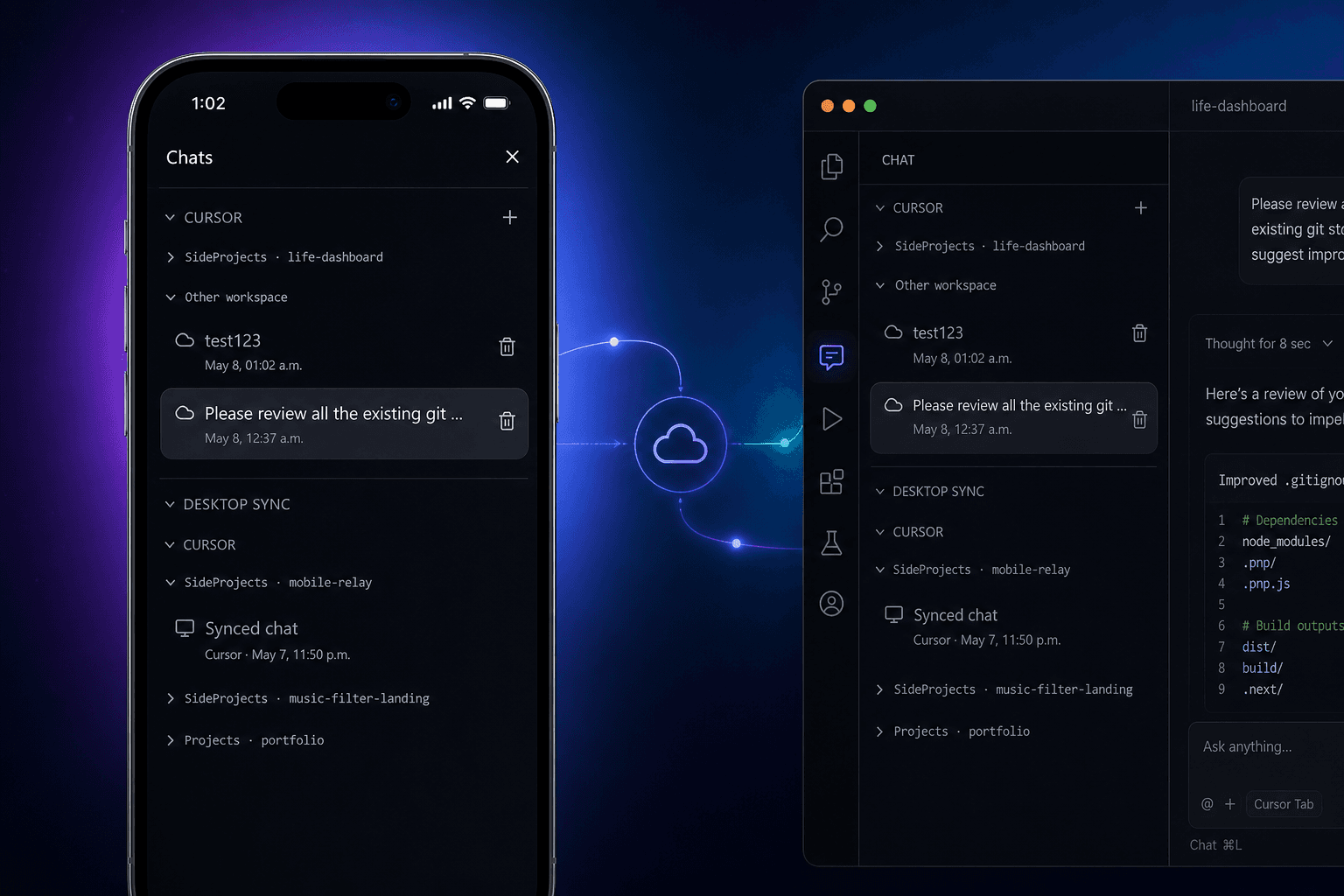
Conversations that sync everywhere
Chats stay synced across desktop, phone, tablet, and more.
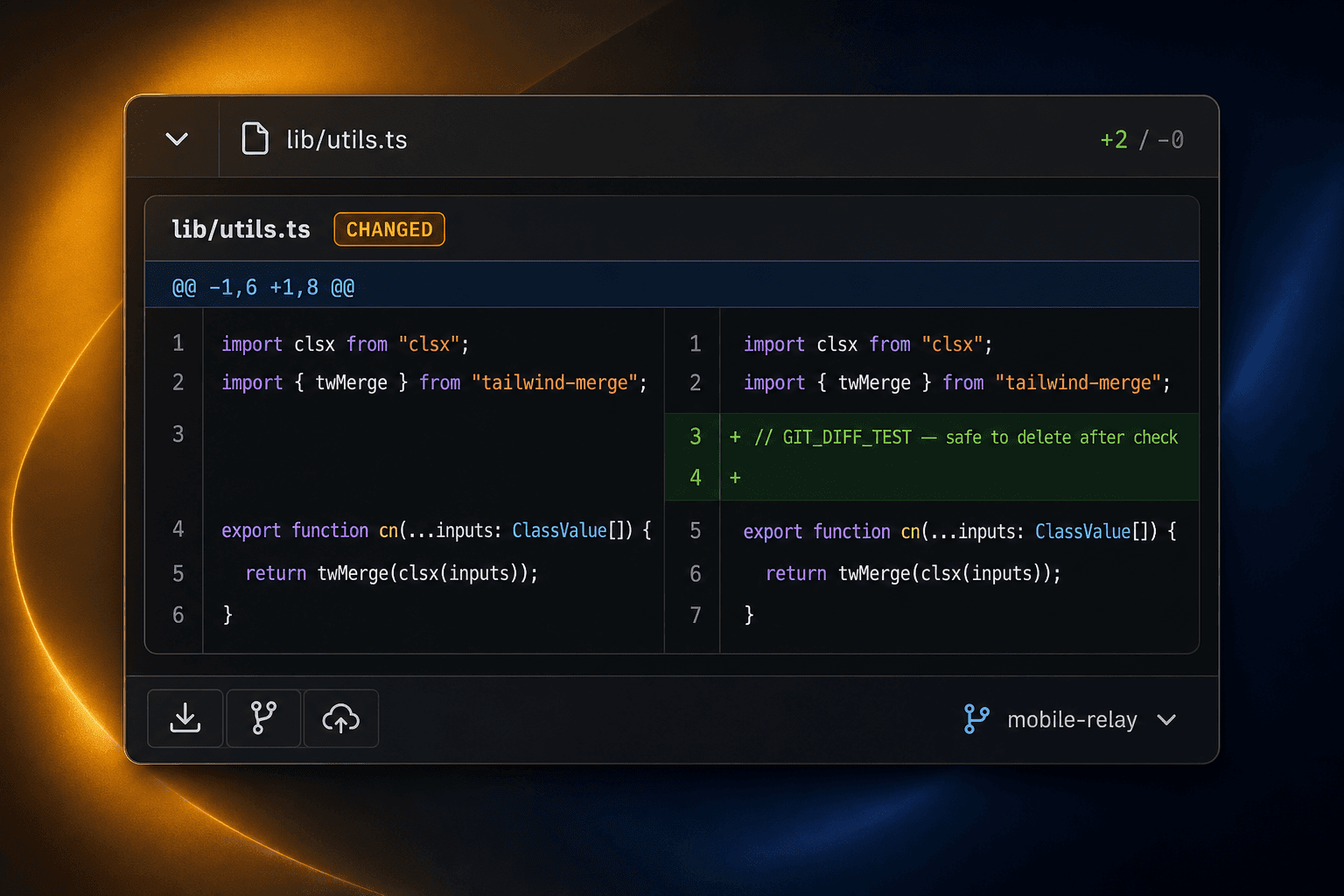
Git control
Run git control, like commit, push and pull.
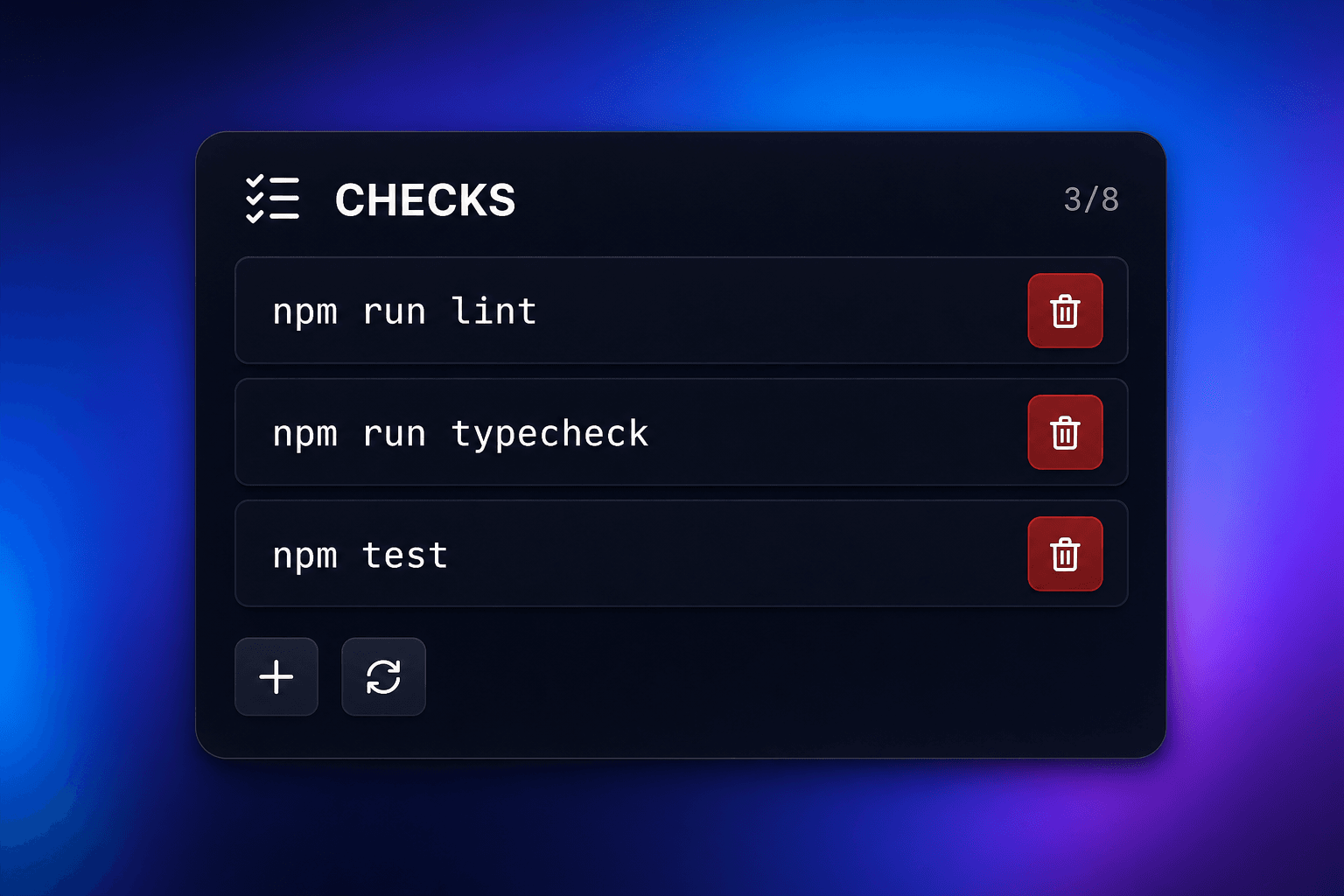
Run local tests
Run local tests with one button click.
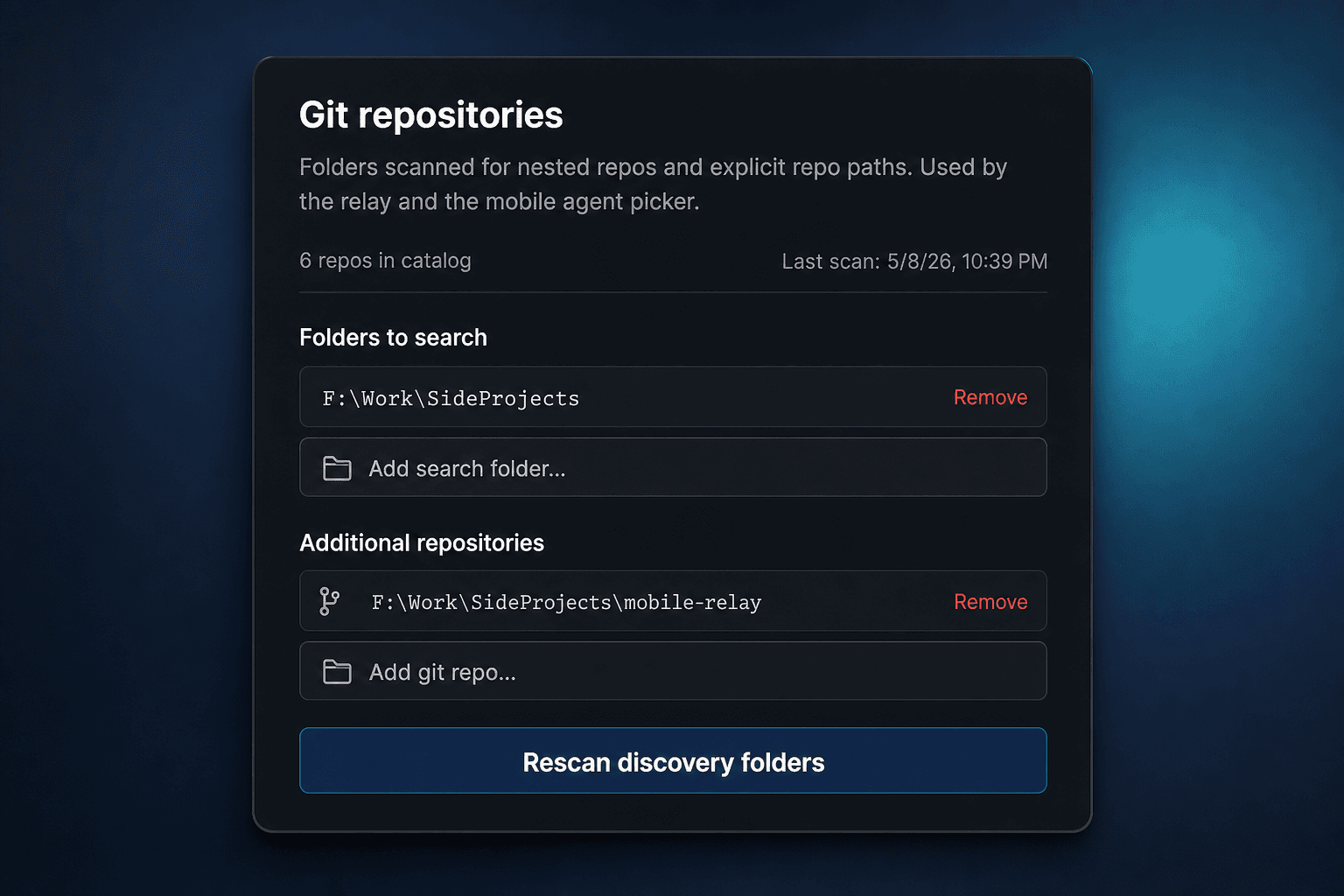
Automatic git repo recognition
Automatically detects git repos on your machine.
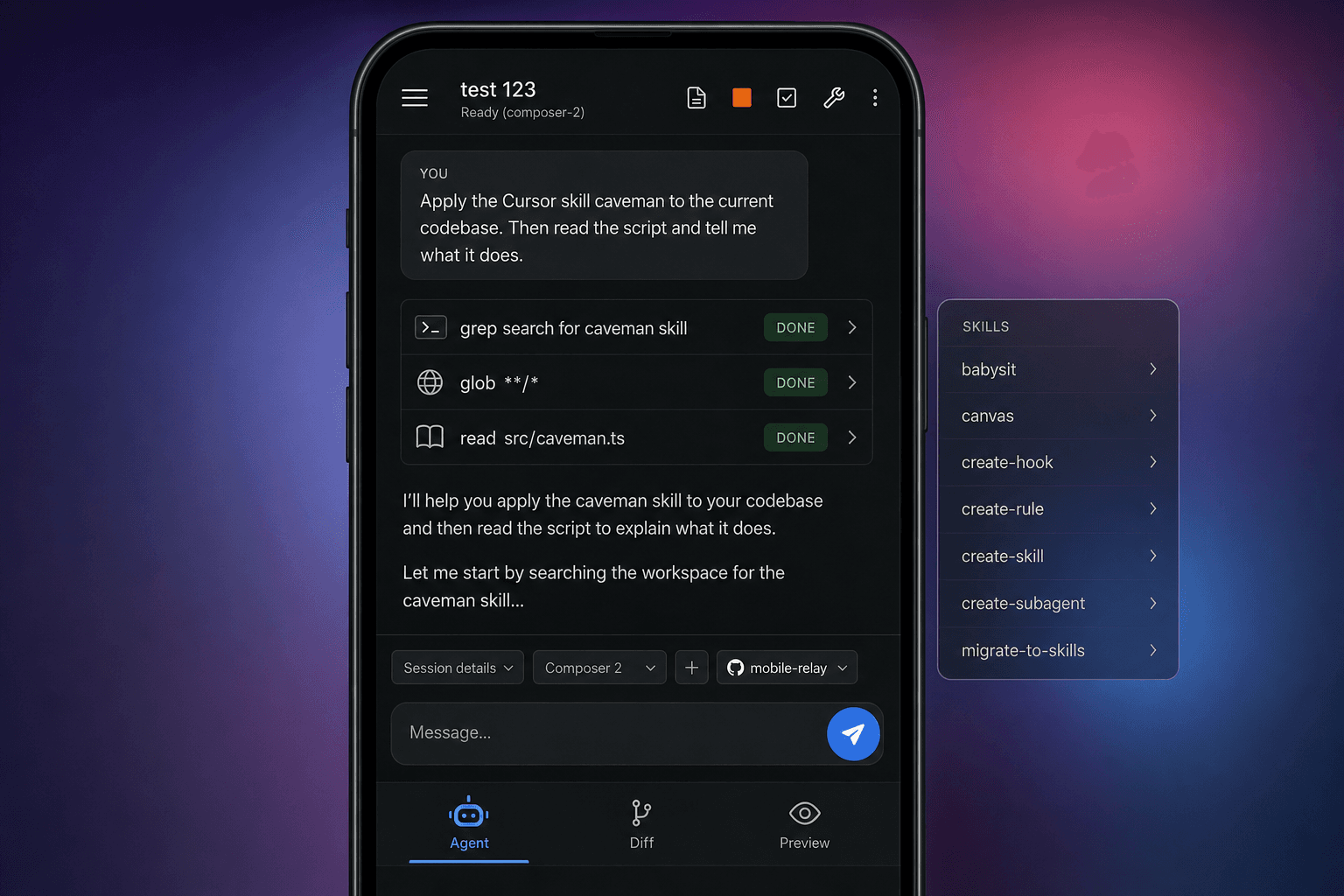
Mobile native first
Built for phone and tablet first.
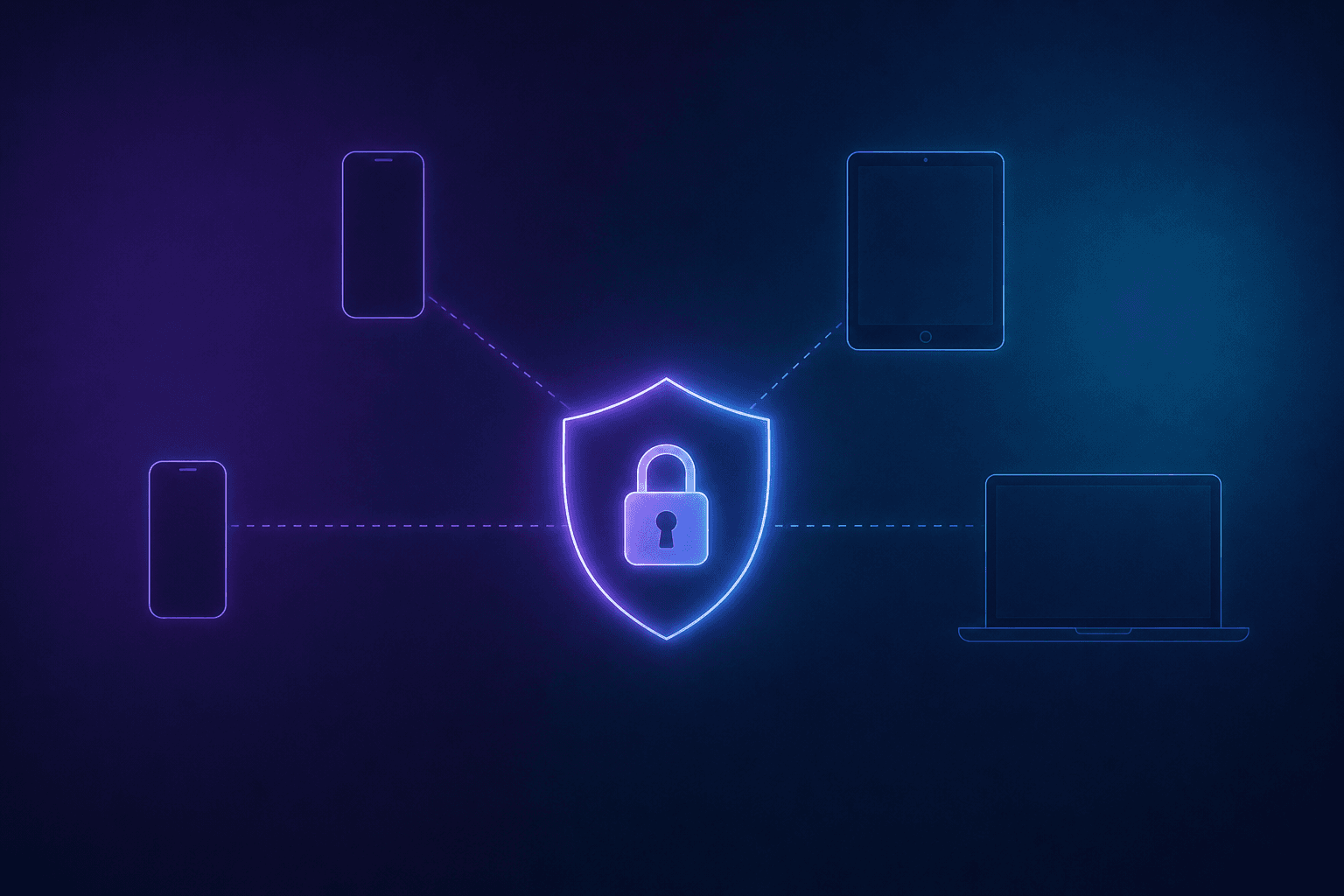
End-to-End Encrypted
Your traffic is protected with end-to-end encryption.
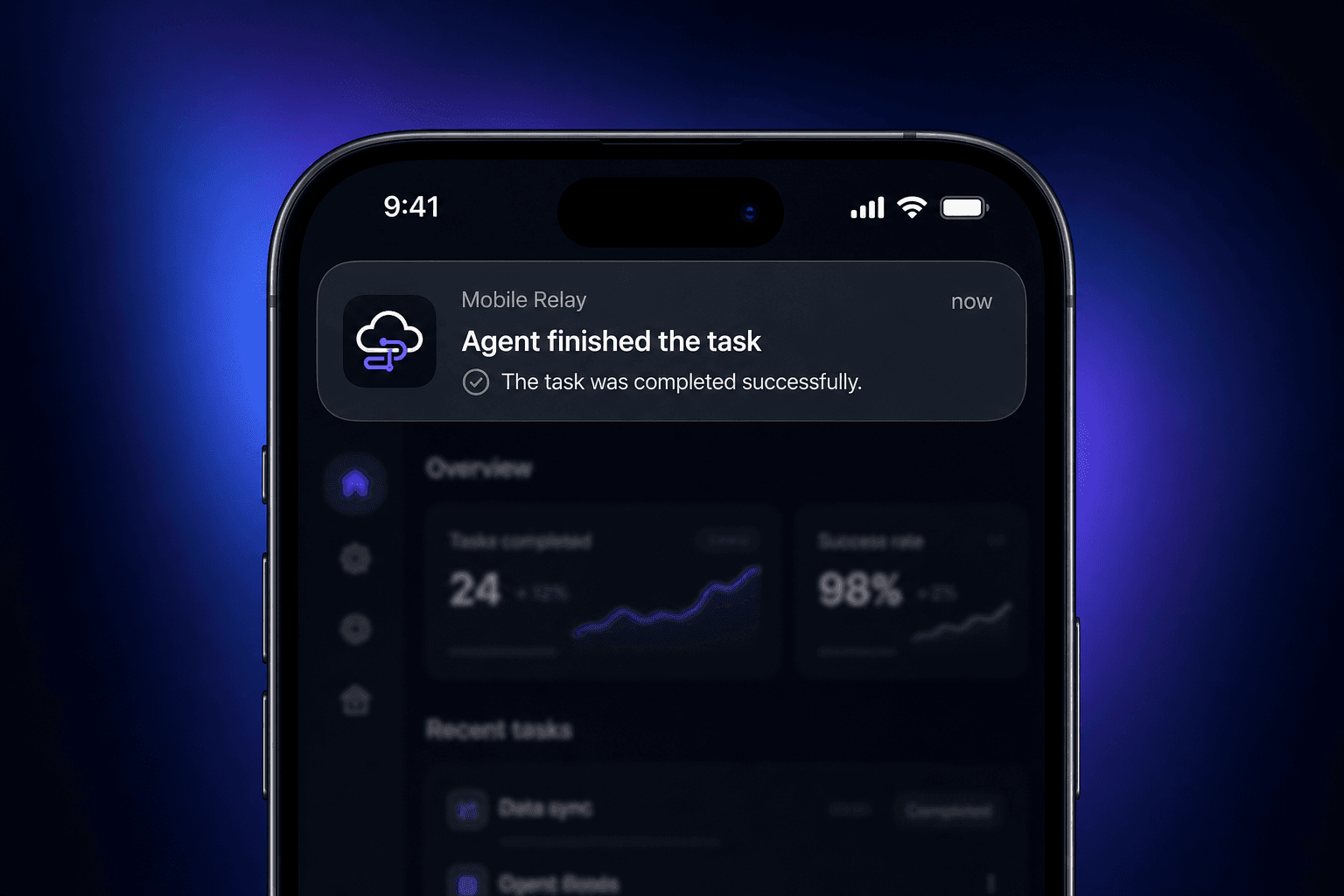
Push notifications
Get an alert when an agent run finishes.
Up and running in three steps
No second toolchain on your phone. The desktop stays the source of truth for agents, git state, and localhost servers.
- 1
Step 1
Install the desktop relay
Windows or macOS app runs the local server and encrypted tunnel.
- 2
Step 2
Sign in and add your API key
Same account as this site—paste your Cursor key in desktop settings.
- 3
Step 3
Open Mobile Relay on your phone
Browser or home-screen PWA: Agent, Diff, and Preview hit your home machine.
Three tabs, one workflow
Agent, Diff with Git, and Live Preview is your new mobile workflow around your existing development environment.
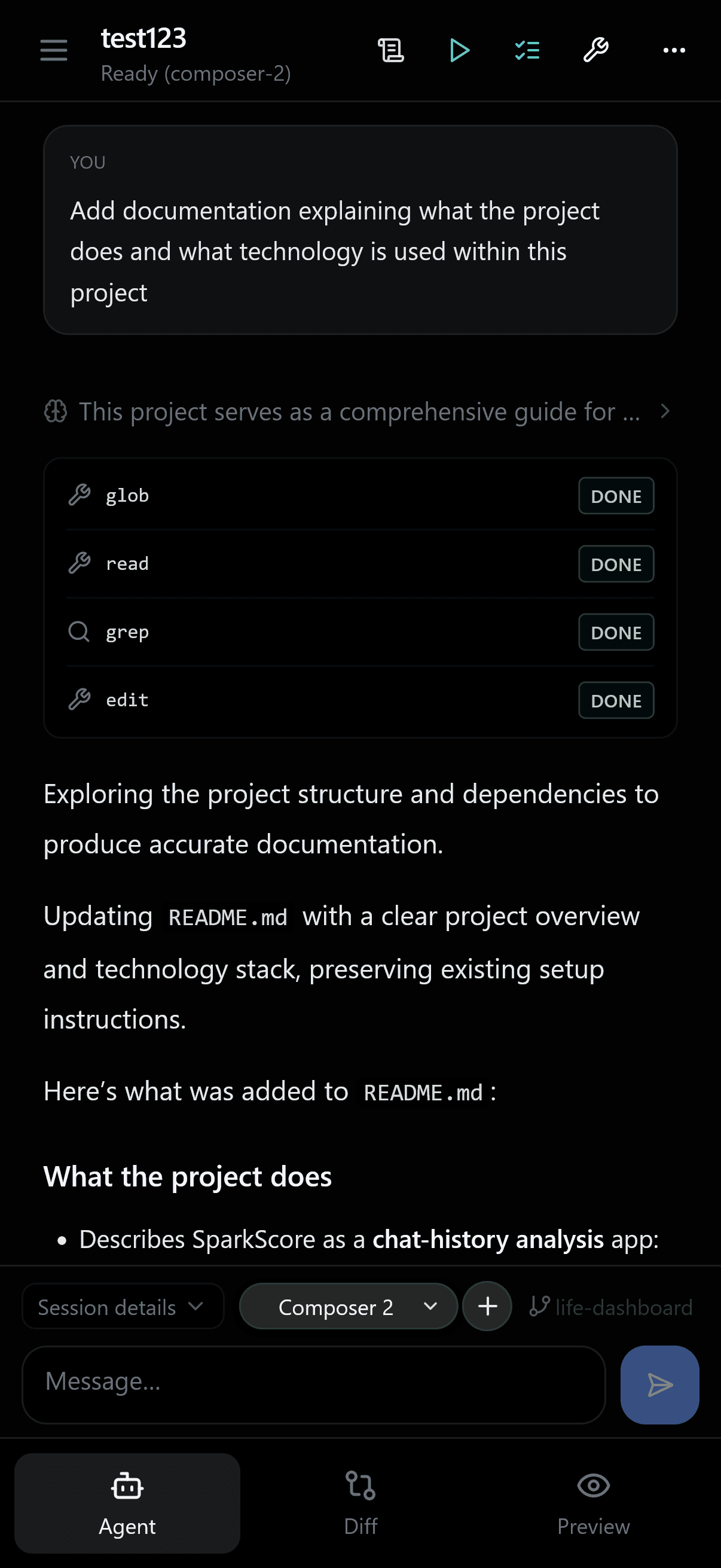
Agent
Chat with and steer Cursor-powered agents against the workspace on your desktop—where your SDK and credentials already live.
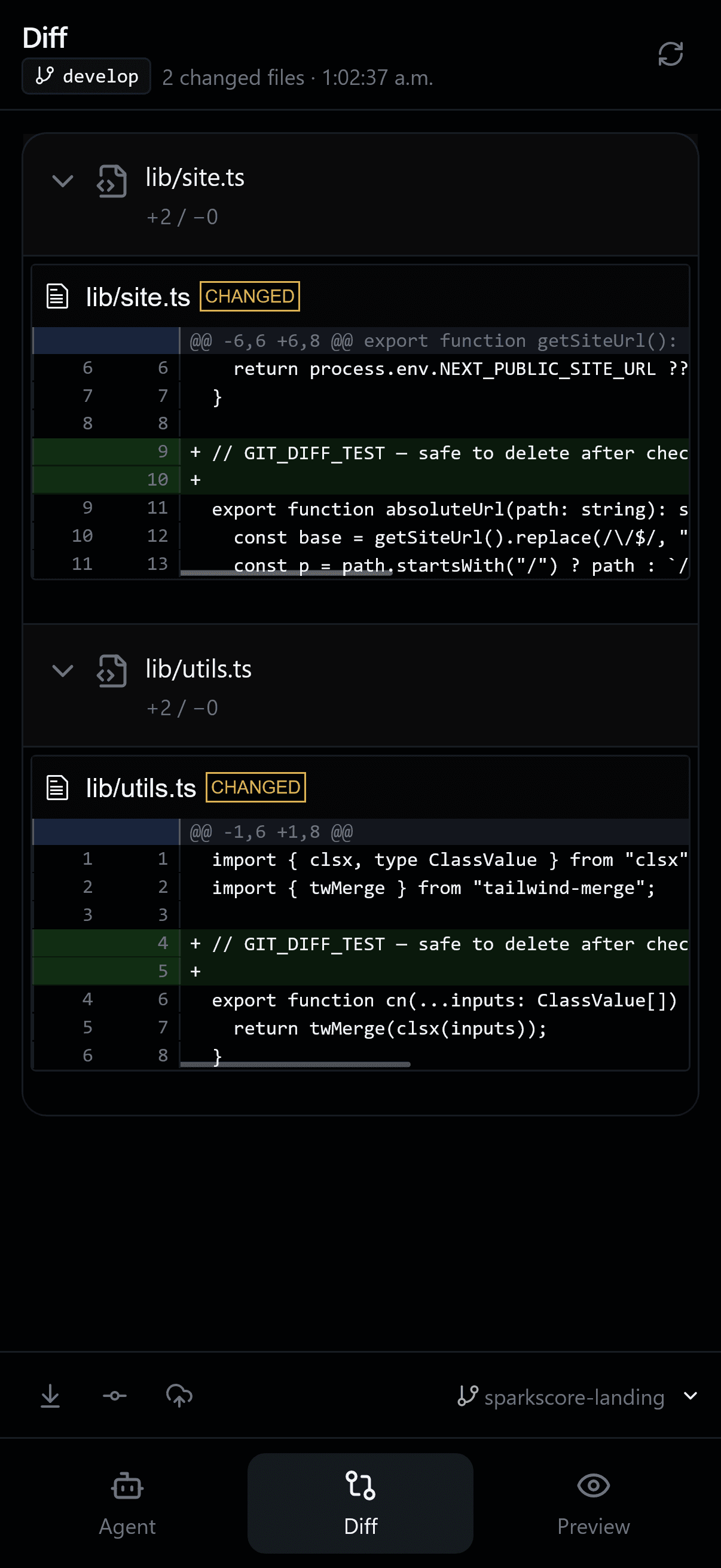
Diff
Read git-style diffs streamed from your machine, step through revisions, and review changes—version control from the diff tab, no laptop required.
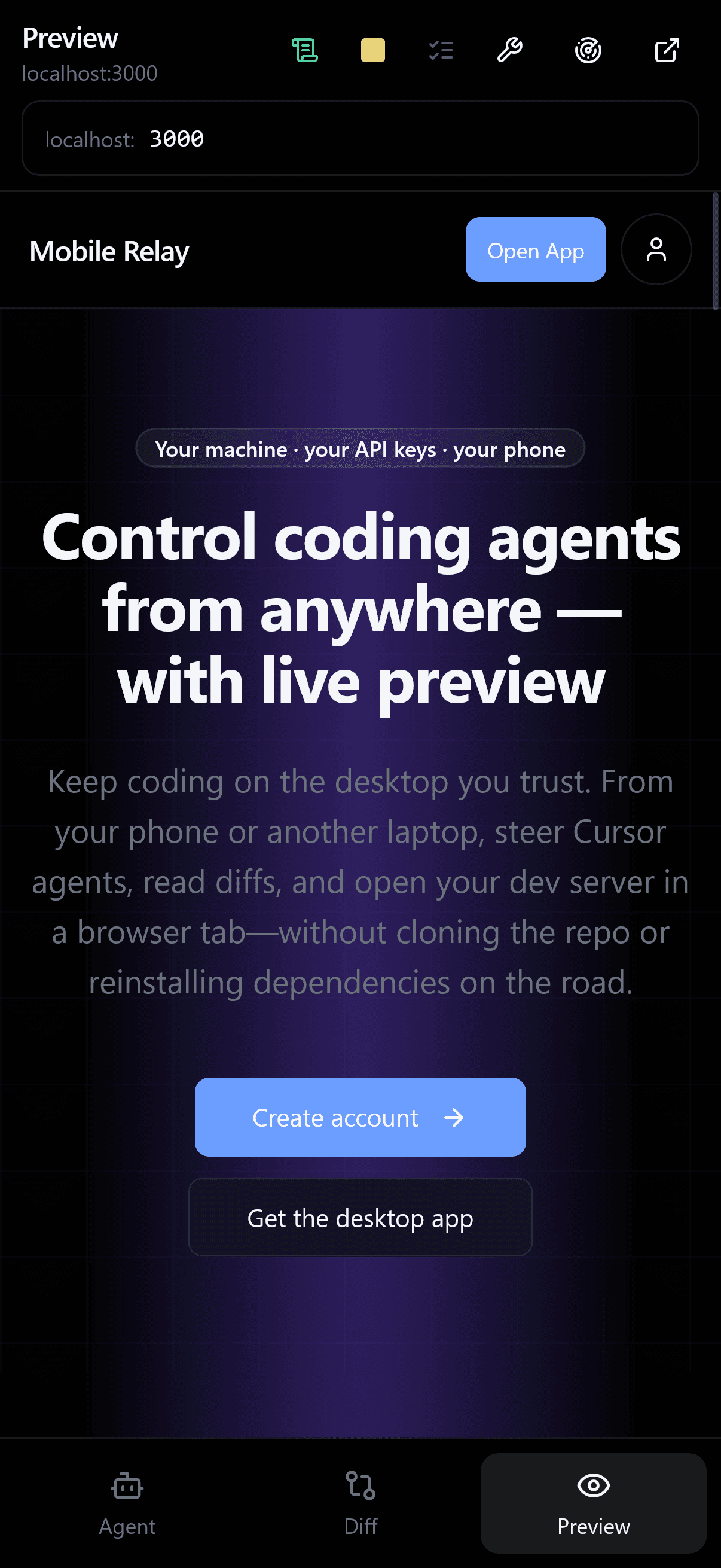
Preview
Open localhost through the tunnel and interact with your app in a live browser tab—same dev server, no reinstalling dependencies on the remote device.
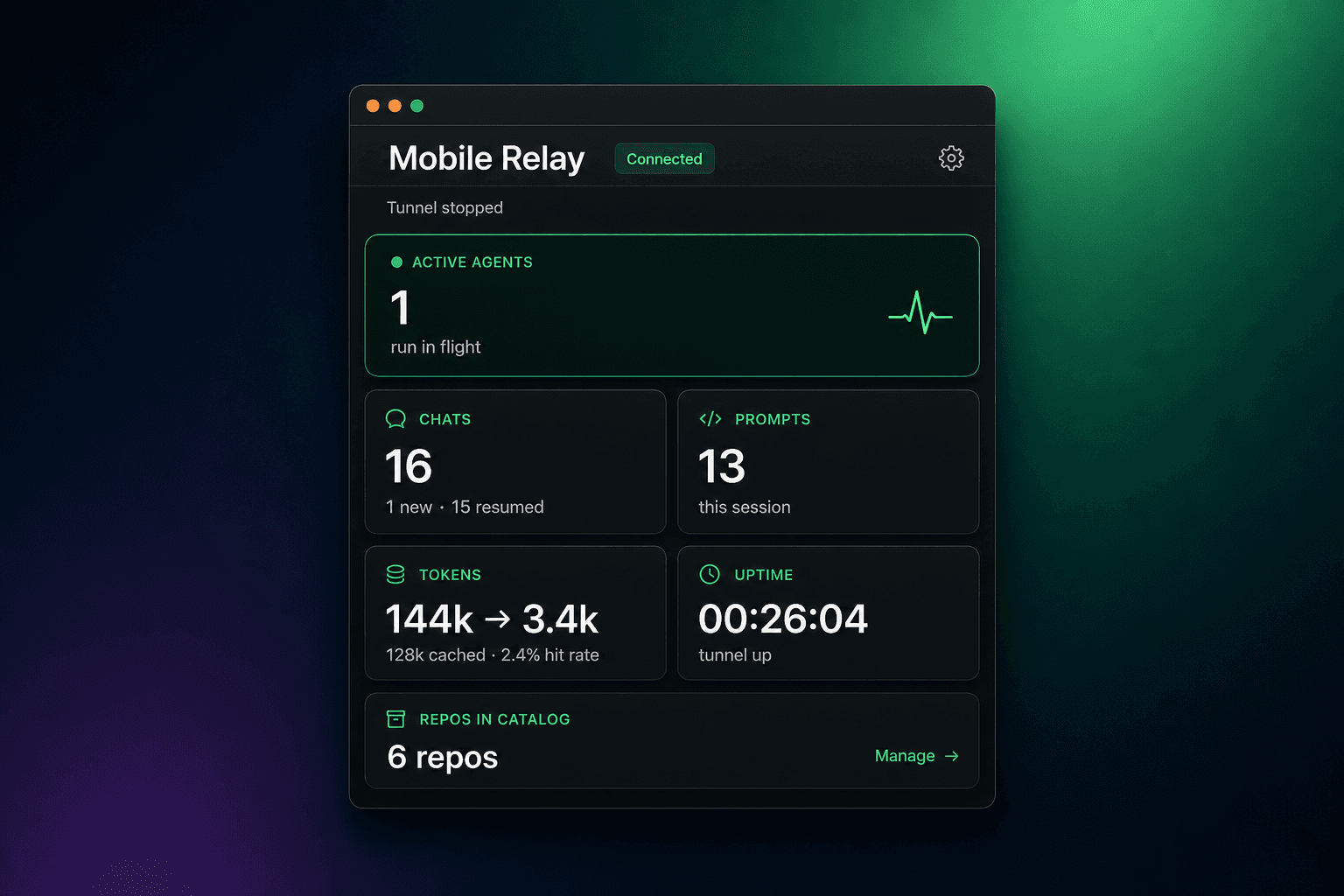
The desktop app, at a glance
Install once on the machine that holds your repos. The app keeps your repos and credentials safe while you work from mobile.